From signed agreement to paid invoice
Four steps, each with a person in control. AI does the reading and checking; you and your client make the decisions; PayPal moves the money.
Upload the agreement
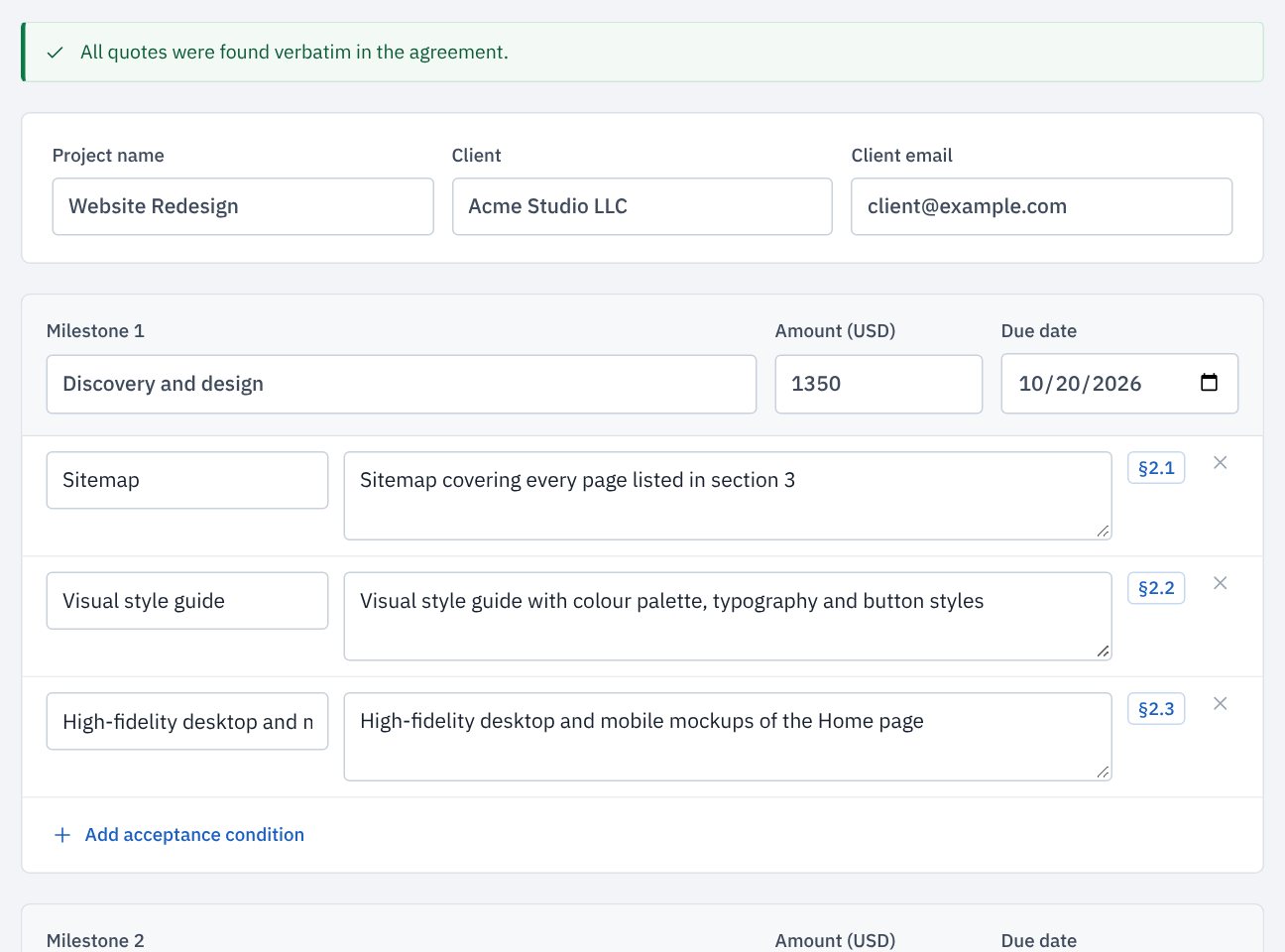
Drop in the signed agreement as a PDF, Word document or text. ScopePay extracts:
- each milestone with its amount and due date
- acceptance conditions you can check against delivered work
- exclusions and the rate for extra work
Every condition quotes the clause it came from. Quotes that cannot be found word for word in your agreement are flagged, and nothing is used until you confirm the terms.
Add the delivered work
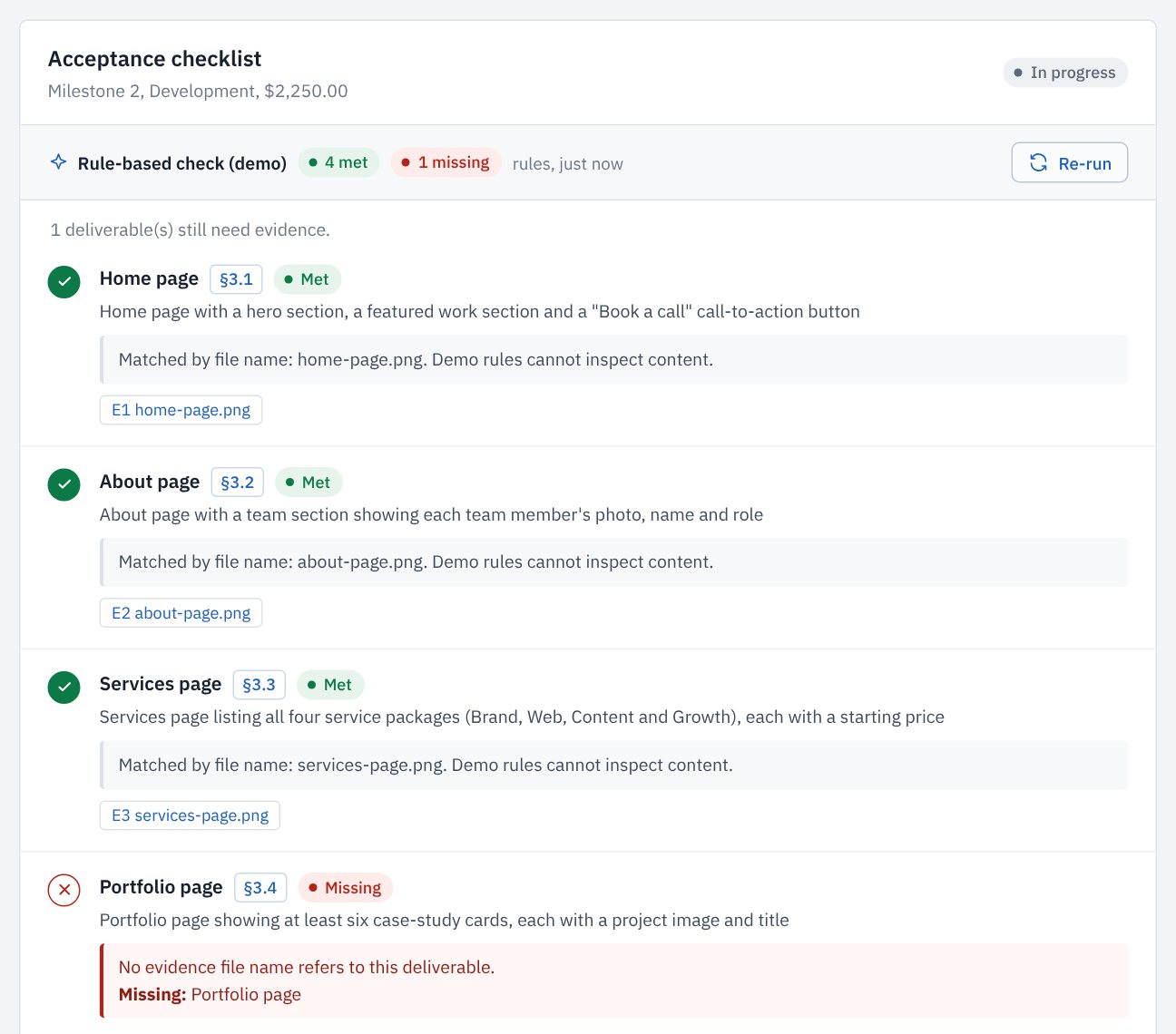
Upload screenshots, PDFs or documents as you deliver. The AI review looks at the actual content, counts what the agreement counts, and gives every condition a verdict: met, partial or missing.
Each verdict names the evidence it relied on and what is absent, so you can fix gaps before your client sees them.
Your client accepts
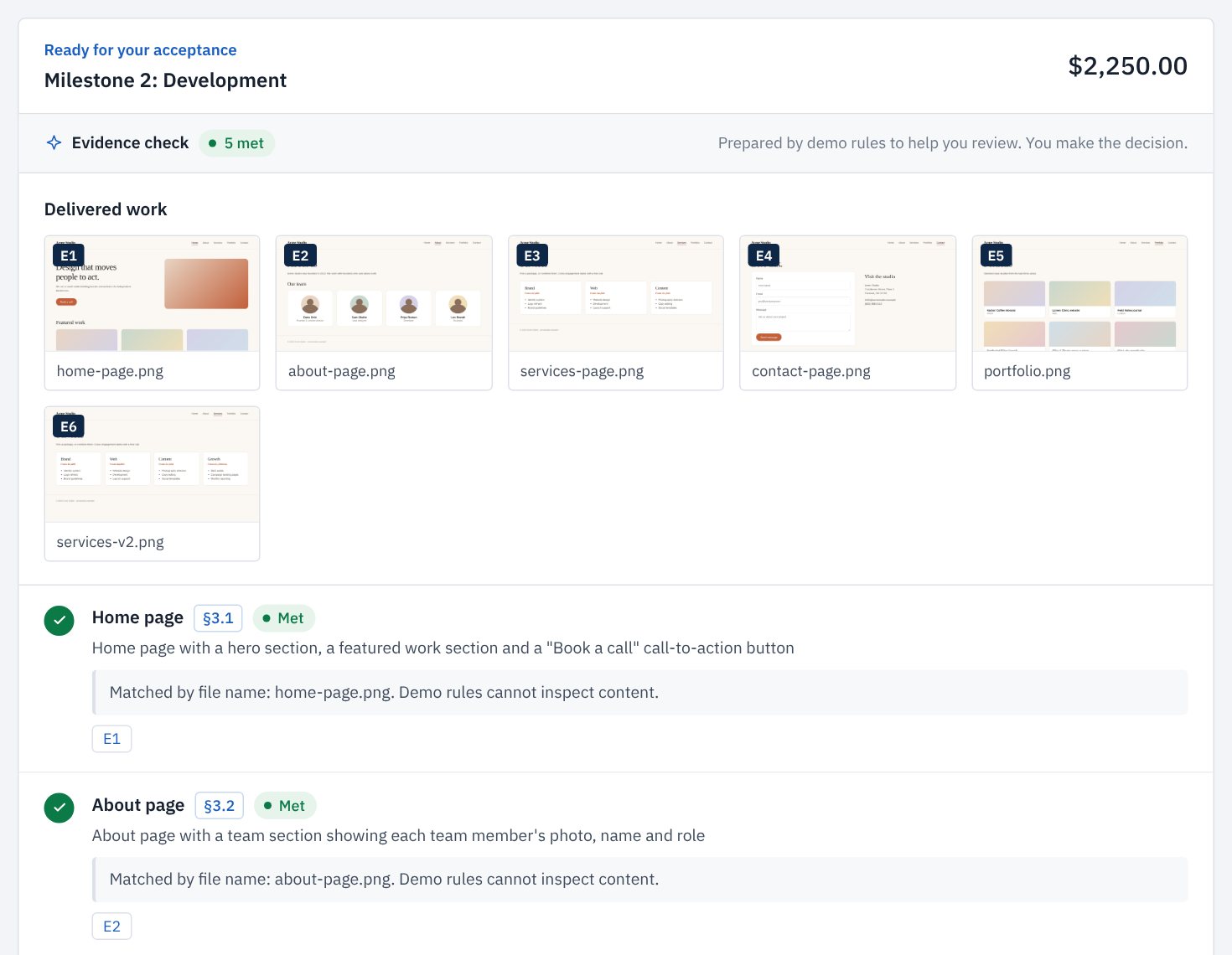
Share a private link. Your client sees the delivered work next to each clause of the agreement and either accepts with their name or describes what needs to change.
If anything is still open, they have to acknowledge it explicitly before accepting. Their decision is recorded with the time.
The PayPal invoice goes out
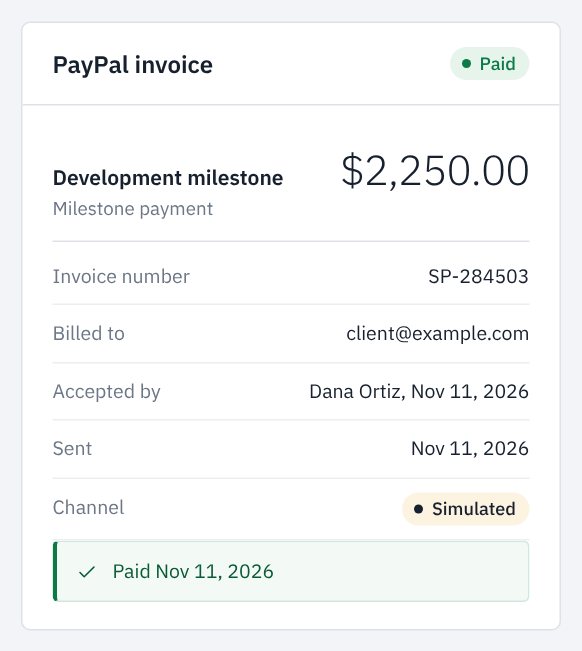
Acceptance creates the invoice in PayPal with the approval details on it. From ScopePay you can:
- send it to your client through PayPal
- see its status update when it is paid
- send a reminder, drafted for you and edited by you
Payment closes the milestone. The money goes straight from your client to your PayPal account.
When the client asks for more
Paste the request into a scope check. ScopePay compares it with the deliverables and exclusions in your agreement and quotes the deciding clause.
If it is extra work, it drafts a change order priced at your agreement's rate. Your client approves it on their review page, and it is invoiced through PayPal like a milestone.
“Could you write the copy for the About page too?”
Copywriting of page content is excluded in clause 5.1.
See it with a real agreement.
The live demo has a sample project ready to review, accept and pay.